
Using Process Runner
To use Magnitude Process Runner, perform one of the following steps:
- If your organization is using the cloud license model and you try to open the Process Runner, you are prompted to enter the following information:
- (Only the first time you try to use the product) Tenant name associated with your organization.
- Your user sign-in credentials as shown in the following screenshot.
- If your organization is using the legacy license model, you must first configure the license details. For more information, see License Management.
 Screenshot: Tenant sign-in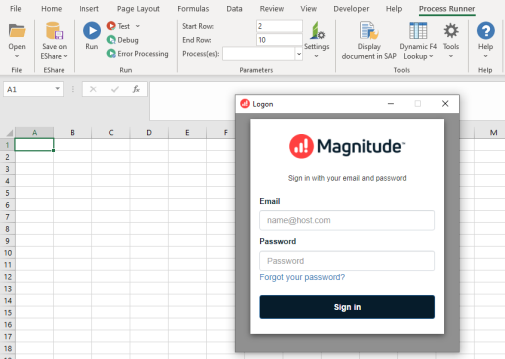
This section contains the following topics: