Use EShare with Cloud License
If you are using the Process Runner Cloud license model, you can integrate EShare with Process Runner Cloud using the Process Runner Cloud Configuration option in Process Runner to store, manage, and save the process files on Process Runner Cloud. For information about the Process Runner Cloud license model, contact support.
To open EShare Admin View
-
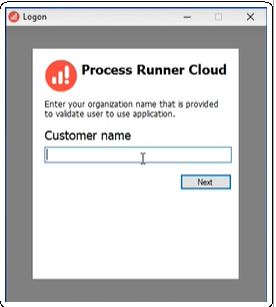
If your organization is using the Process Runner Cloud license model and you try to open Process Runner, you are prompted to enter the following information:
- (Only the first time you try to open the product) name of the customer or tenant associated with your organization.
-
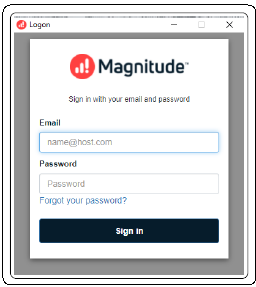
Enter the user credentials as shown in the following screenshot.
- (Only the first time you try to open the product) name of the customer or tenant associated with your organization.
- Select the Process Runner Cloud icon on Process Runner dashboard to get the login user details in Process Runner Cloud information.
-
In Process Runner, select Tools. The Options window is displayed.
-
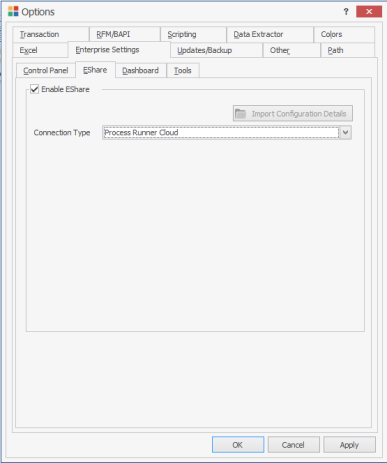
On the Enterprise Settings > EShare tab, select Enable EShare.
-
Select Connection Type > Process Runner Cloud.
-
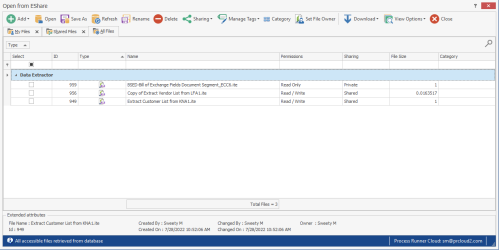
Select File>Open from EShare. It will open EShare with same user logged in. You can see the screen as below: