Suppress Screen with Previous


|
Suppress Screen with Previous |
|
|
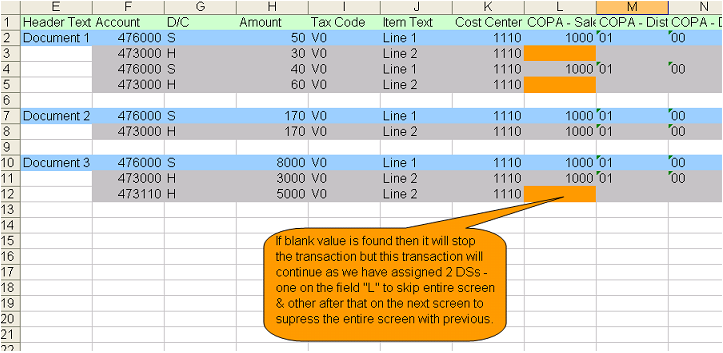
Consider this header detail sample. In previous examples we have seen that if a blank value is inserted it won’t execute the transaction. Have a look at the data sheet below.
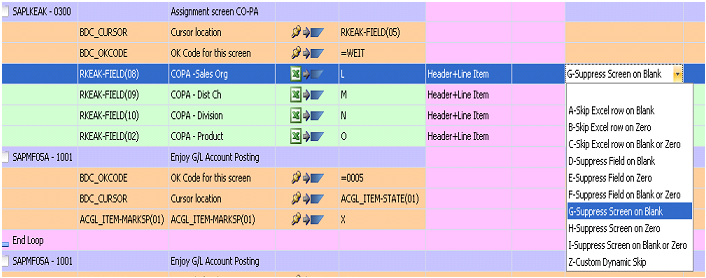
We will suppress the entire screen (SAPLKEAK - 0300) if field in “L” (COPA-Sales Org) is blank. But this still won’t work as we need to skip the screen after that.
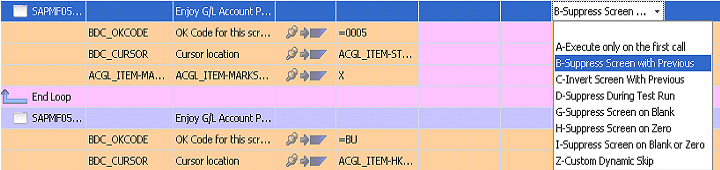
So we suppress the screen (SAPMFOSA - 1001) just next to that screen.
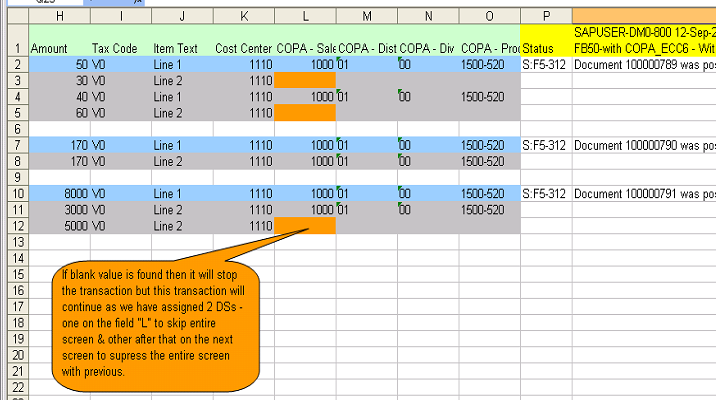
Click on Run button.
|