|
Follow the following steps of procedure to enable Scripting in SAP.
| 1. | Start SAP logon and log in to the SAP Server. |
| 2. | Start RZ11 transaction. |

| 3. | In Param Name enter, *script* & then click on Display. |

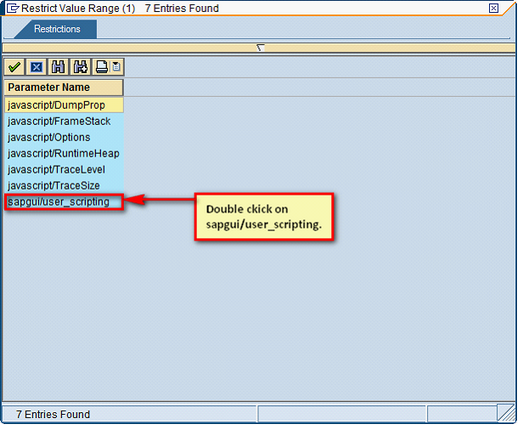
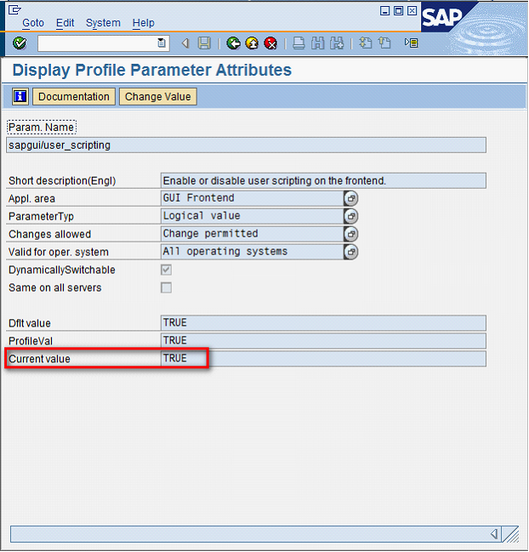
| 4. | Double click sapgui/user_scripting. |

| 5. | If scripting is not on, your Current value will be FALSE. Click on Change Value. |

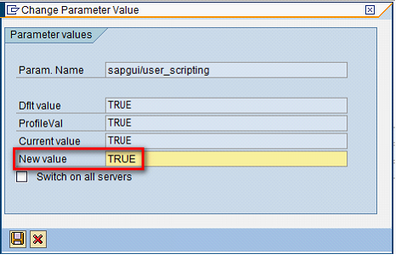
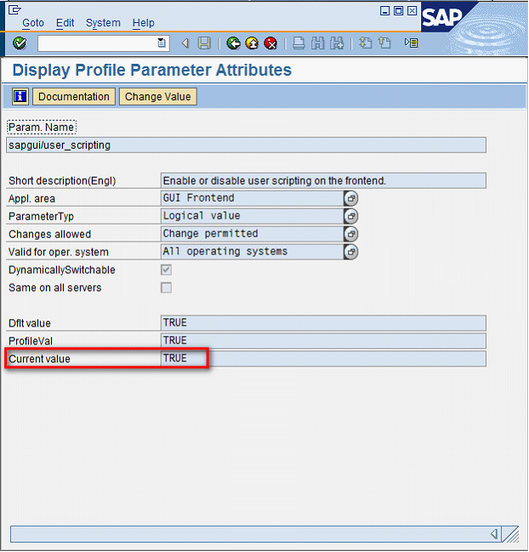
| 6. | In the New Value, change it to TRUE and save the settings. |

Next:
How to Save ALV Grid Output to Excel/Local file
|