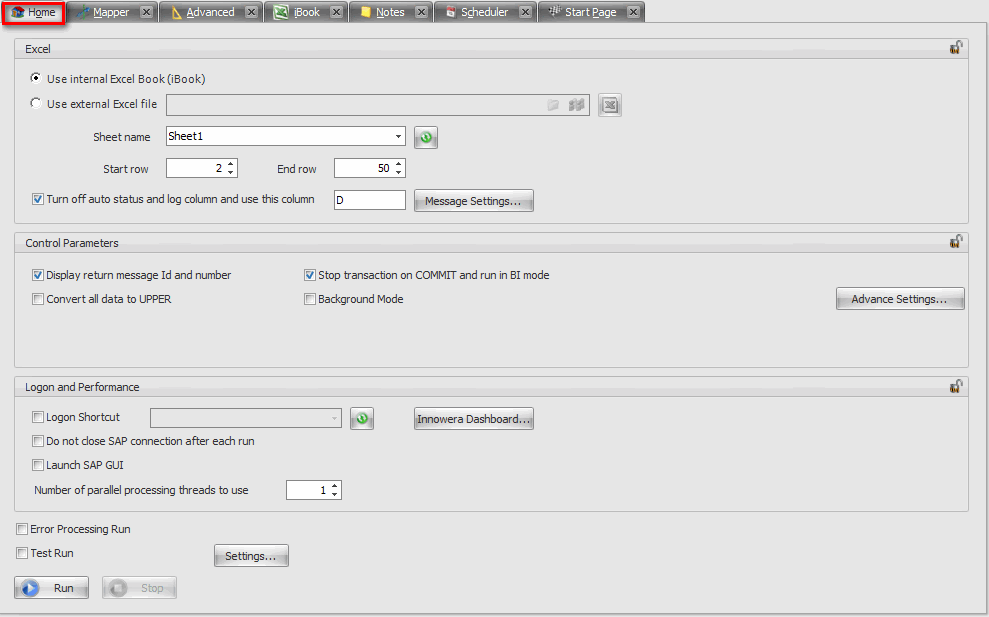
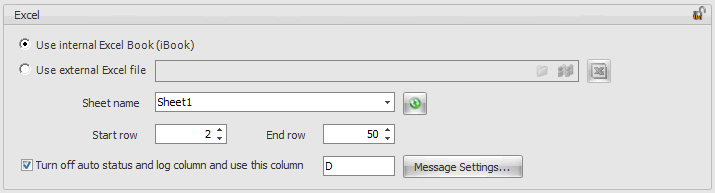
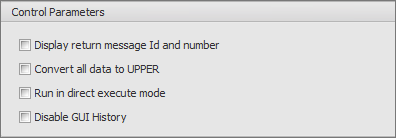
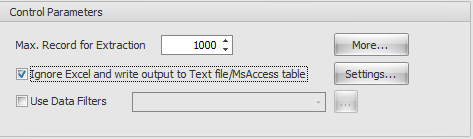
•Execute Commit after RUN: Selecting this option will force Process Runner to execute COMMIT BAPI after each run. Many new BAPIs do not have COMMIT statement inside them. Turning on this option will force those BAPIs to execute COMMIT. •Wait till Commit finishes: This option is available only when your turn on "Execute Commit after RUN" option. Turning on this check box will force Process Runner to wait till SAP returns till COMMIT finishes (i.e. usually when DB writes are done) •Convert to upper case: Selecting this check box will force Process Runner to convert all the data read from Excel to upper case before sending to SAP. •Lock/Unlock each record during run: Selecting this check box will en-queue/de-queue employee records during run. •Append to next blank row: Selecting this check box will force Process Runner to append the text to next row. •Add values sent to SAP while downloading table values: By enabling this option it will write values sent to SAP via "upload to SAP" tab to be added to downloaded table records. This will enable to connect table records to original requested key and other fields and would be useful when downloaded table does not include originally requested key fields. •Auto mark X structures: Selecting this check box will automatically automap the X structure values. •Execute Save/Close BAPI: This option is used when you need to execute _SAVE or _CLOSE BAPI to save the objects successfully. Enabling this option forces Process Runner to execute the corresponding BAPI after executing the main BAPI. |